YouTube · MP4 · Downloader · Tools
Top 5 Youtube Video Downloader — Free & Fast Tools to Download MP4
Compare the top 5 YouTube video downloaders to save public YouTube videos as MP4. Paste a YouTube link and download HD MP4 online — free, fast, and no watermark.

ToolsAndCalcs Team
7 min read
Looking for a free YouTube video downloader to save a public clip as MP4? The fastest path is still simple: copy the YouTube link, paste it into an online tool, preview the video, and download.
Below are five strong YouTube (and MP4) download options — from FrontendGeek and ToolsAndCalcs to SubEasy, Hear2Text, and AceThinker — so you can pick the flow that fits your device and quality needs.
1. frontendgeek.com

FrontendGeek Free YouTube Video Downloader is built for a fast paste-and-fetch MP4 flow. Paste a YouTube watch link, Shorts link, or youtu.be URL, click Fetch Video, then download — with no watermark and no login required.
It sits inside the FrontendGeek Hub (interview prep plus free tools), so it’s a strong pick if you already use FrontendGeek or want a clean social-tool experience alongside other converters like YouTube to MP4 / MP3.
Pros
- 100% free with no login required
- No watermark on downloads
- Supports watch pages, Shorts, and youtu.be links
- Clean fetch-and-download browser flow
Cons
- Minimum Ads
2. toolsandcalcs.com
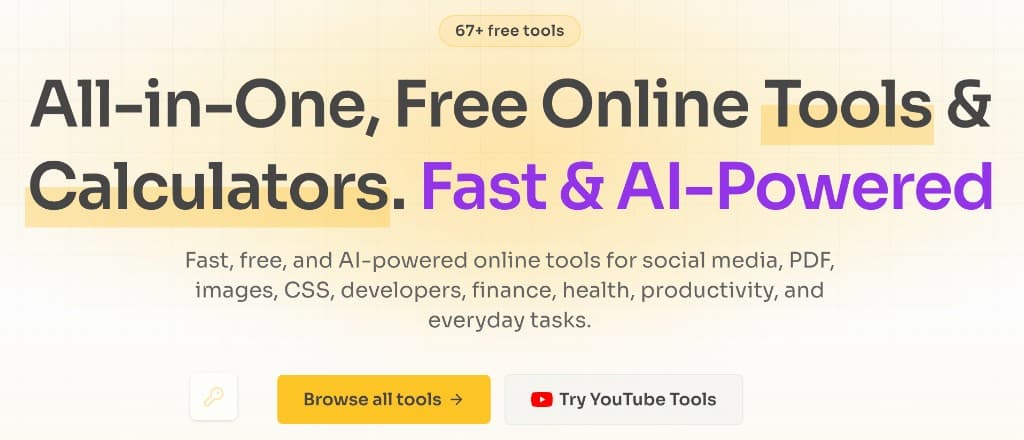
ToolsAndCalcs Free YouTube Video Downloader focuses on everyday YouTube → MP4 downloads: paste a YT link, load the preview, and save an HD MP4 with a fast, no-watermark browser workflow.
It lives inside an all-in-one free tools workspace (67+ tools) — ideal if you want downloaders plus calculators, PDF, and image utilities in one place.
Pros
- Instant HD MP4 downloads from a public YouTube link
- Fast, no-watermark browser experience
- Part of a larger free tools & calculators suite
- Clear preview before you save
Cons
- Minimum Ads
3. subeasy.ai
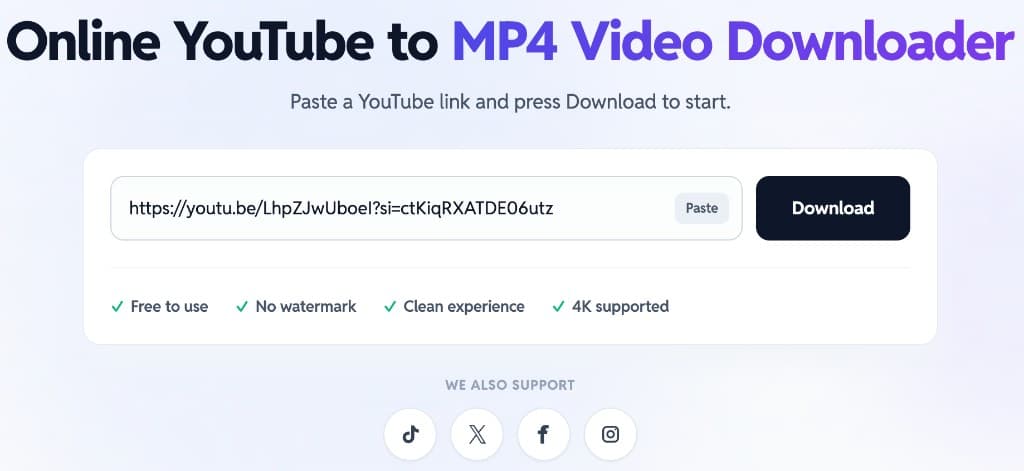
SubEasy YouTube to MP4 Downloader keeps the UI minimal: paste a YouTube link, press Download, and choose an output. It advertises free use, no watermark, a clean experience, and 4K support when the source allows.
Processing is cloud-based, which helps keep your device light. Beyond MP4, SubEasy also offers audio formats (MP3, M4A, AAC, and more) plus AI transcription, translation, and caption tools if you need more than a raw download.
Pros
- Simple paste-and-download UI
- 4K supported when the source allows
- Cloud processing keeps your device light
- Extra audio formats and AI media tools nearby
Cons
- Quality and speed depend on cloud queue and source video
- Advanced AI features can push you toward other SubEasy products
- Not a dedicated ToolsAndCalcs-style tools workspace
4. heartotext.com
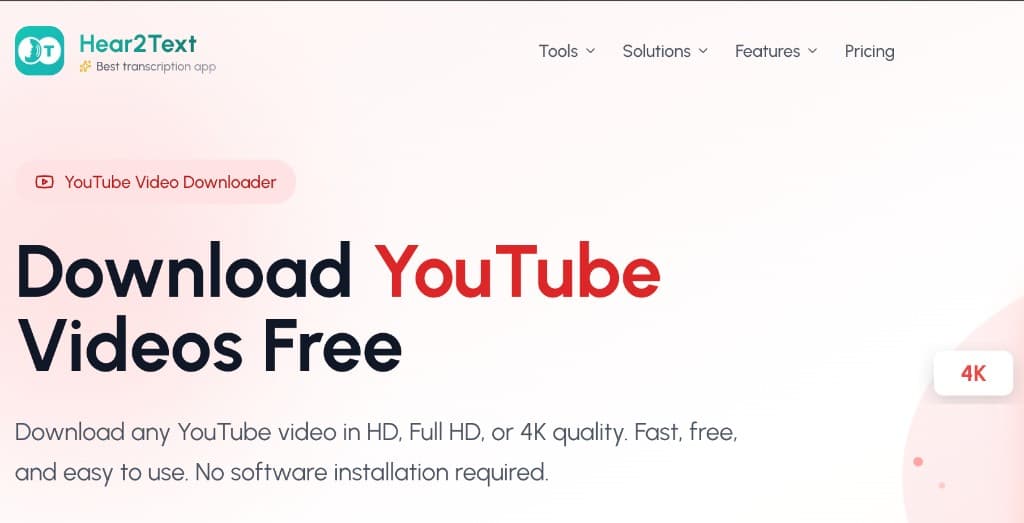
Hear2Text YouTube Video Downloader emphasizes free HD, Full HD, and 4K downloads with no software install. Paste a YouTube URL, pick quality (4K / 1080p / 720p / 480p or MP3 audio), then download.
The product page highlights fast servers, multiple formats (MP4, MP3, WAV, WebM), and no watermarks. Basic use is free; higher-end features like longer videos or playlist workflows may require an account or credits depending on their current plan limits.
Pros
- HD, Full HD, and 4K quality options
- Multiple formats including MP4 and MP3
- No software install for browser downloads
- Clear quality picker before download
Cons
- Free tier can limit video length and daily usage
- Higher quality or playlist workflows may need an account or credits
- Premium upsell for advanced batch features
5. acethinker.ai
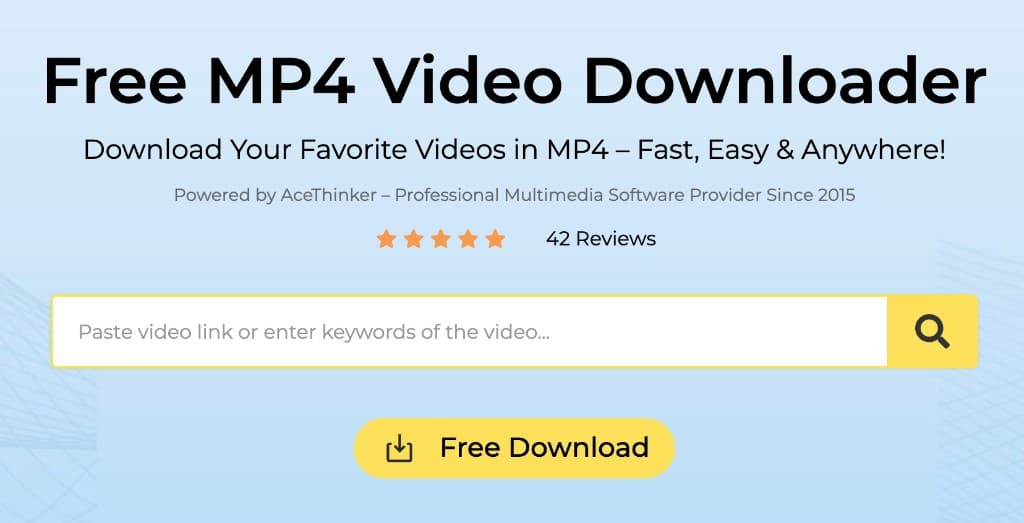
AceThinker Free MP4 Video Downloader is part of a broader multimedia brand (since 2015) with online and desktop suites for recording, PDF, video/audio, and photo editing. The flow is paste a video link, search, then Free Download — aimed at saving favorites as MP4 fast and anywhere.
It’s a good fit if you want an MP4-first downloader backed by a wider AceThinker toolkit (converters, editors, and premium downloaders like Aqua Clip) rather than a single-purpose YouTube-only page.
Pros
- Free online MP4 download from a pasted video link
- Works across major platforms, including YouTube
- Backed by a wider media and productivity toolkit
- Simple search-and-download layout
Cons
- Free online quality can be more limited than premium desktop tools
- Homepage and suite push toward paid AceThinker products
- Less focused as a YouTube-only downloader page
Bottom line
To download an MP4 from a YouTube link: copy the public URL, open one of the free downloaders above, paste the link, choose quality when offered, then save the MP4.
Start with FrontendGeek or ToolsAndCalcs for a clean YouTube-focused browser flow, SubEasy or Hear2Text when you want cloud/4K-oriented options, or AceThinker if you prefer an MP4 downloader inside a larger media toolkit.
Only download content you own or have permission to keep. Respect creator copyright and each platform’s Terms of Service.